VPN
Urban VPN Proxy: What It Does, How to Use It, and What to Consider
柏青岚 · November 27, 2026
Updated
Find official VPN downloads, compare apps with browser extensions, and follow practical setup and privacy checks for Windows, Mac, Android, iPhone, and Edge.
Download sources compared for safety and setup
| Source | Authenticity check | Installer type | Setup effort | Main caution |
|---|---|---|---|---|
| Provider’s official website | Check the exact domain | Provider installer | Follow on-screen steps | Avoid lookalike sites |
| Official app store | Verify the publisher name | Store-managed app | Use the install button | Check the listing carefully |
| Operating system’s app store | Confirm the developer | Store-managed app | Usually straightforward | Features may vary by platform |
| Third-party download site | Harder to verify | Site-provided installer | May require extra checks | Avoid unfamiliar download portals |
| Search-result advertisement | Verify the destination URL | Varies | Varies | Ads can lead to imitation pages |
| Shared file or direct link | Source may be unclear | Unknown | Unpredictable | Do not install if authenticity is uncertain |
Compiled November 2026; check the provider's site for current details.
This section helps English-speaking readers find official VPN downloads, install apps on common devices, and make a first connection with settings they can verify. Its coverage centers on download safety, Windows and macOS installation, Android and iPhone setup, browser extensions, and basic privacy checks. The emphasis is practical: identify the publisher, choose the right platform, understand what a VPN changes, and know how to disconnect when you are finished.
The audience includes people in the United States and readers elsewhere who use English-language software and support pages. A VPN can encrypt traffic between a device and a VPN server, but it does not make every online activity anonymous or secure by itself. We treat setup claims as questions to check, not promises to repeat, and distinguish a full-device VPN app from a browser proxy or extension.
The site is an independent information resource, not a VPN provider. It does not sell subscriptions or represent NordVPN, ExpressVPN, Urban VPN, or another service. That separation matters: readers should confirm current features, prices, renewal terms, and privacy policies on a provider’s own official site before installing or paying.
For a desktop or mobile app, begin at the VPN provider’s official website or the app store linked from that site. Check the publisher name, operating-system compatibility, and requested permissions. In the United States, Apple’s App Store and Google Play are familiar routes for mobile installs; on Windows, a provider may offer a signed installer from its own domain or a Microsoft Store listing. A search result or a download mirror is not proof of authenticity. Urban VPN Proxy: What It Does, How to Use It, and What to Consider
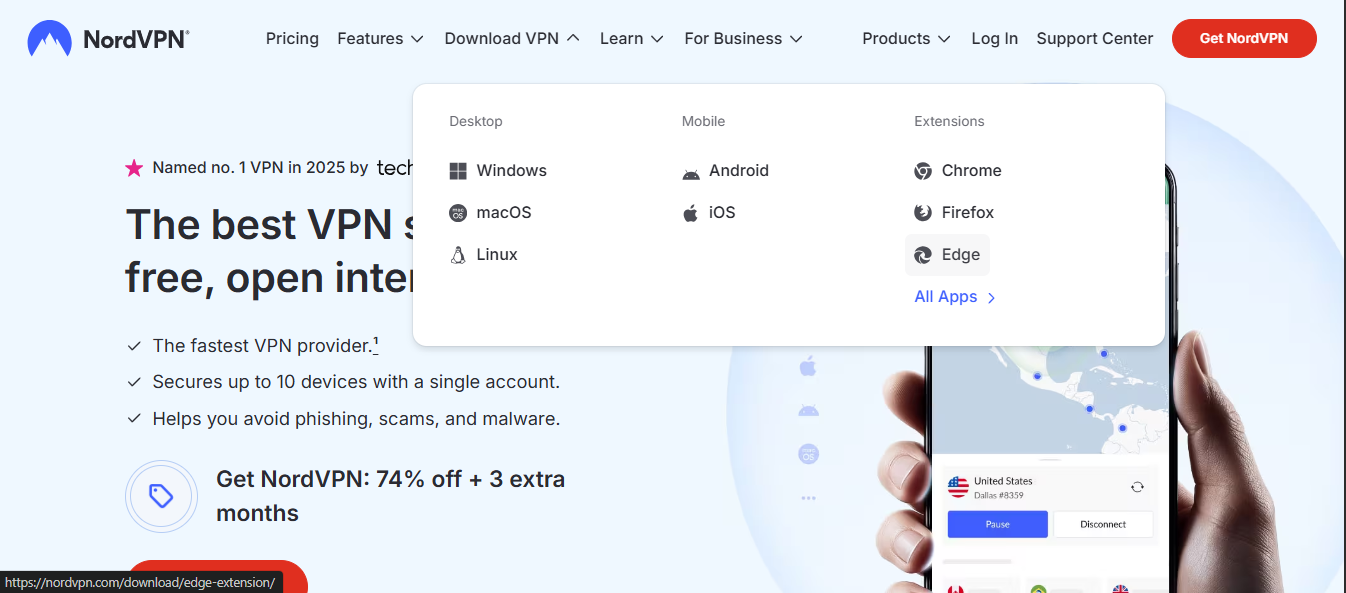
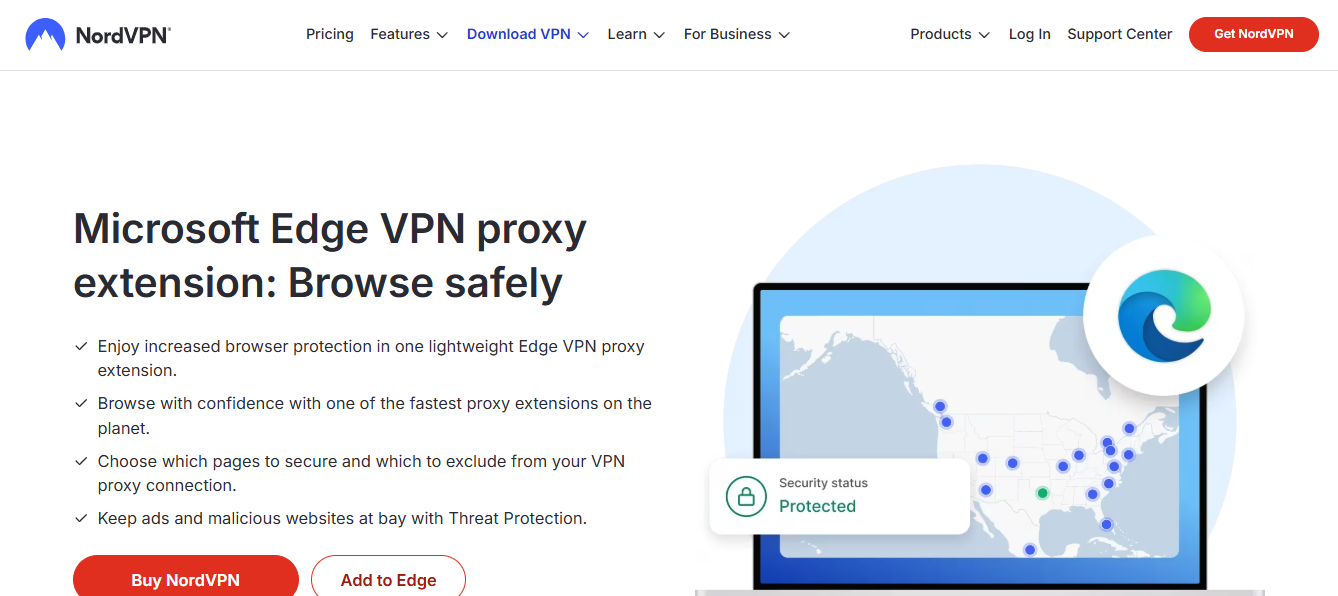
Browser add-ons need a separate check because they may only route traffic from that browser, rather than all traffic from the computer. For example, Urban VPN Proxy appears in Microsoft Edge Add-ons. A listing’s claims about encryption or server access should be weighed against its permissions and the service’s privacy documentation. Do not assume an extension is equivalent to a full VPN client, and remove it if its access does not match your needs.
VPN services and costs to compare
| Comparison point | Questions to ask | What to look for | Cost implication | Decision check |
|---|---|---|---|---|
| Free plan | Is one available? | Clear limits and terms | May cost nothing | Confirm what is restricted |
| Paid plan | What is included? | Features that match your needs | Recurring subscription | Check renewal terms |
| Billing period | Monthly or longer term? | Total cost shown clearly | Longer plans may be billed upfront | Compare total payable |
| Money-back terms | Is a refund policy stated? | Conditions and eligibility | Refund may have limits | Read the policy before purchase |
| Device support | Does it cover your devices? | Apps for your operating systems | May vary by plan | Check each device separately |
| Simultaneous connections | How many devices can connect? | A stated connection allowance | May depend on plan | Match allowance to your household |
| Payment method | Are payment options suitable? | Methods listed by provider | Some methods may renew automatically | Review recurring-payment settings |
Compiled November 2026; check the provider's site for current details.
Most first-time setups follow a similar sequence, although menu names vary by operating system and provider. The steps below are intended as a safe starting point rather than a claim that every app works identically. Keep the app updated, and use the provider’s current instructions if a screen has changed. VPN Microsoft Edge: How to Turn It On and Choose the Right Option
For a quick comparison, a VPN application generally protects traffic from more than one program on the device, while a browser extension may cover only browser activity. A proxy can change the apparent location of a specific connection without necessarily providing the same encrypted tunnel. The product label alone does not tell you the scope of protection; check the app’s documentation and test the behavior you expect.
Prices and plan details change frequently, and this section does not present unverified current subscription prices. For budgeting, treat the figures below as a simple comparison framework: paid VPN services commonly quote a monthly rate, a discounted multi-month or annual rate, and a renewal price. Check the checkout page in USD, including tax and renewal terms. A low first-month figure is not the same as the long-term cost.
| Option | What to check | Price detail |
|---|---|---|
| NordVPN | Supported devices, plan length, renewal terms | Confirm current USD price at checkout |
| ExpressVPN | App support, simultaneous connections, cancellation terms | Confirm current USD price at checkout |
| Urban VPN Proxy | Whether the browser extension or app fits the task; inspect permissions | Verify current offer and terms with the publisher |
| Browser proxy or extension | Which browser traffic is routed and what data is collected | Check whether features are free, paid, or limited |
This rundown is not a ranking or endorsement. Compare the privacy policy, independent security information, supported platforms, and cancellation process alongside price. Free access still has trade-offs to investigate, including advertising, data practices, restricted features, or a business model that is not obvious from the download screen.
A VPN can reduce exposure to local network operators on an untrusted Wi-Fi connection, but it shifts trust to the VPN provider and does not prevent tracking through cookies, account logins, browser fingerprinting, or malware. In the United States, the Federal Trade Commission can take action against deceptive business practices, but that is not a substitute for checking a service’s specific data-handling commitments. Read the policy for retention, sharing, and account deletion, rather than relying on a broad “no logs” slogan alone.
Connection drops also deserve attention. Look for a kill switch if you need traffic blocked when the VPN disconnects, and test it carefully. For a browser add-on, consider whether WebRTC or other browser features could reveal connection details. Encryption does not guarantee that your real IP address is never exposed; behavior depends on the app, device, browser, and configuration.
When a VPN fails to connect, switch to another server, check the device’s internet connection, update the app, and review whether a firewall or another VPN profile is interfering. If you are finished, disconnect through the VPN app rather than merely closing its window. Clear status indicators and a dependable disconnect path are part of usable setup, not minor extras.
Privacy and practical-use checks
| Check | What to review | Reassuring sign | Limitation to understand | Next step |
|---|---|---|---|---|
| Privacy policy | Data collected and retained | Clear, specific explanations | A VPN does not make you anonymous | Read the current policy |
| Logging claims | What activity is recorded | Claims are plainly described | Claims alone do not prove practices | Look for supporting evidence |
| Independent review | Whether an audit is reported | Scope and date are disclosed | An audit covers a defined scope | Check what was examined |
| Connection security | Available security settings | Settings are documented | Protection depends on configuration | Review app settings |
| Connection reliability | Performance in your usual locations | Stable connections in testing | Speed and availability can vary | Test your own connection |
| Streaming and access | Whether intended services work | Current compatibility information | Access can change over time | Check before relying on it |
| Support and troubleshooting | Help channels and guidance | Clear setup instructions | Response times may vary | Confirm support options |
| First connection | App status and selected location | Connected status is visible | A VPN does not replace safe browsing | Verify the connection in the app |
Compiled November 2026; check the provider's site for current details.
The posts listed below focus on specific decisions and procedures, including what Urban VPN Proxy does, how to use and disconnect it, and how to turn on a VPN option in Microsoft Edge. Use those pages for product- or browser-specific context, then verify current instructions with the relevant publisher. Interface details can change after an app update, so a dated screenshot or third-party tutorial should not override the current official documentation.
Before installing anything, write down the device and task you are trying to cover, then compare the official download source, permissions, privacy terms, and total USD cost. If an extension requests broad access that you do not understand, pause and investigate before accepting. The aim here is a straightforward, informed first connection: know what you installed, what traffic it covers, and how to turn it off.